# Launch Page

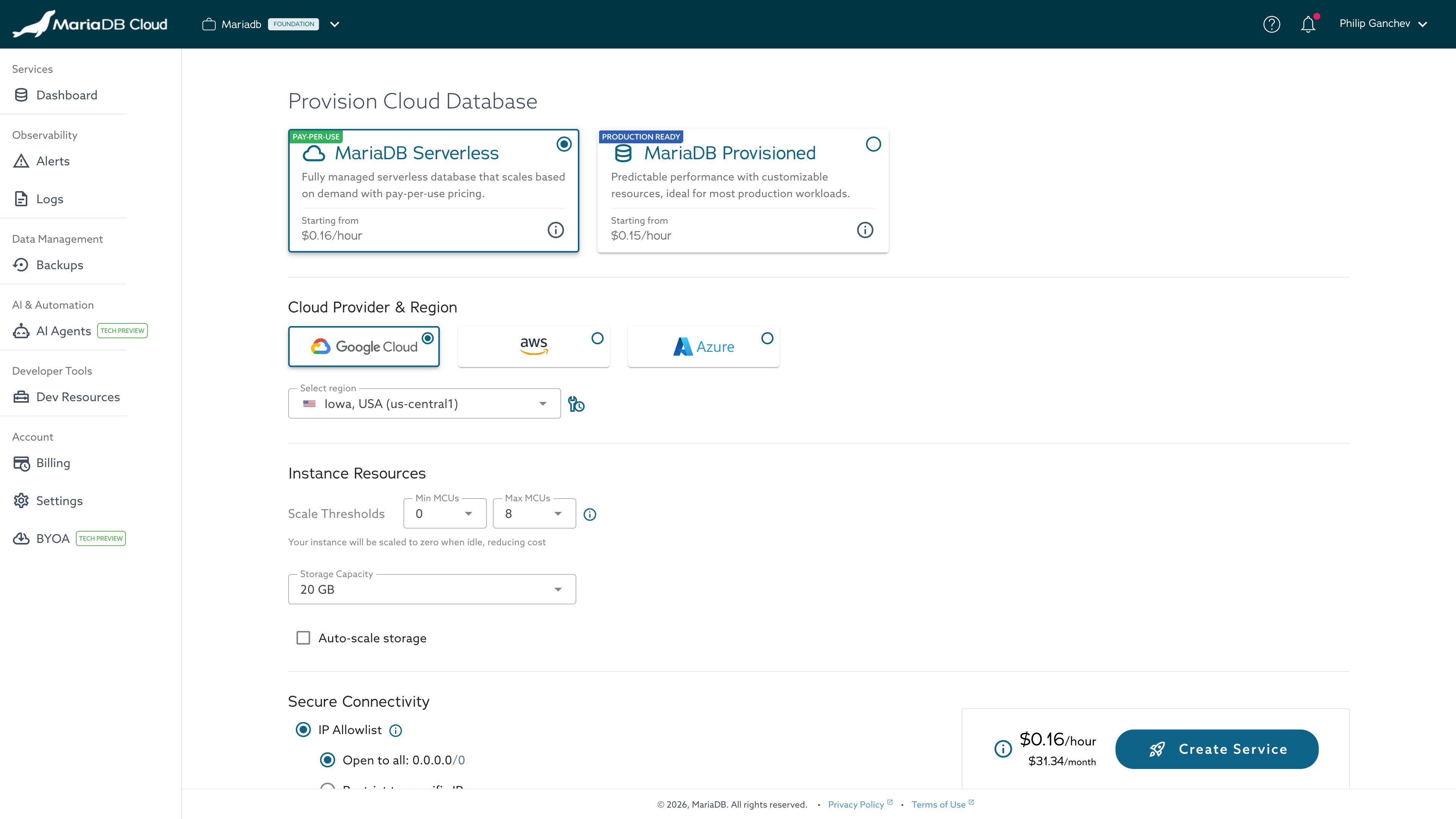
The Launch page allows you to create a new MariaDB Cloud service by selecting the service type and topology, choosing a cloud provider and region, defining the resource configuration, specifying service attributes, and setting security options. You can access this page by clicking [Launch New Service](https://app.skysql.com/launch-service) in the Portal Dashboard.

<figure><img src="/files/QbPyVwOThECs5xj6llj8" alt="MariaDB Cloud Launch page shows service attributes configuration options during new service creation."><figcaption></figcaption></figure>

*Launch Service*

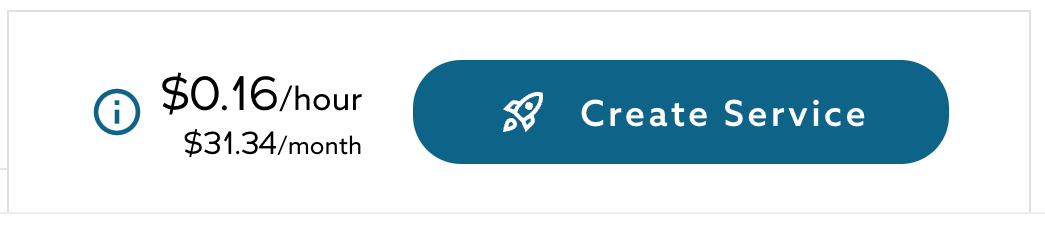
When making launch-time selections, the right-hand panel displays a summary of your selections, along with estimated costs, allowing you to better understand the configuration and price before deployment.

To launch a MariaDB Cloud service from the Portal:

1. From the Dashboard, click the `+ Launch New Service` button.
2. Choose the Service Type: \
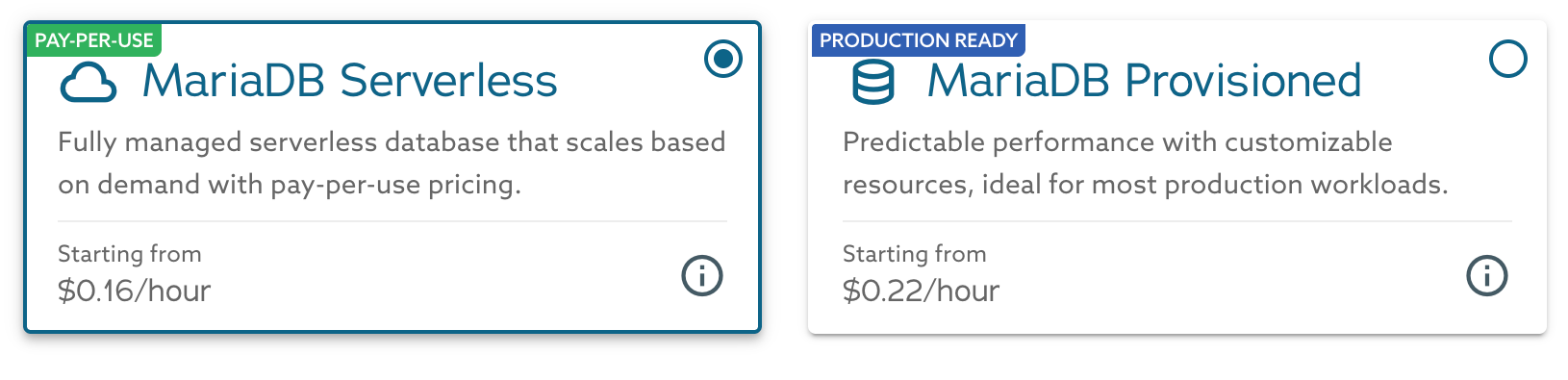
   By default, the Portal selects `Serverless`. You can switch to `Provisioned` if you prefer a single-node or replicated topology. Each selection section controls a different aspect of how your database service will be deployed and configured.\
   \
   `Provisioned` options:

   * MariaDB Server Single Node
   * MariaDB Server with Replicas
   * MariaDB Enterprise Cluster

     <div data-gb-custom-block data-tag="hint" data-style="warning" class="hint hint-warning"><p><strong>Tech Preview Limitation</strong></p><p>MariaDB Enterprise Cluster is currently available as a <em>Tech Preview</em>. The feature is exclusively available on the <strong>PowerPlus</strong> tier and require a minimum of 3 nodes to <a href="/spaces/3VYeeVGUV4AMqrA3zwy7/pages/FuW2DQ0e7AkMD9tUu4Uy">maintain quorum</a>.</p></div>

   `Serverless` option:

   * MariaDB Serverless Single Node

   The selection defines how compute resources are allocated, whether replicas are included, or whether the service scales automatically.
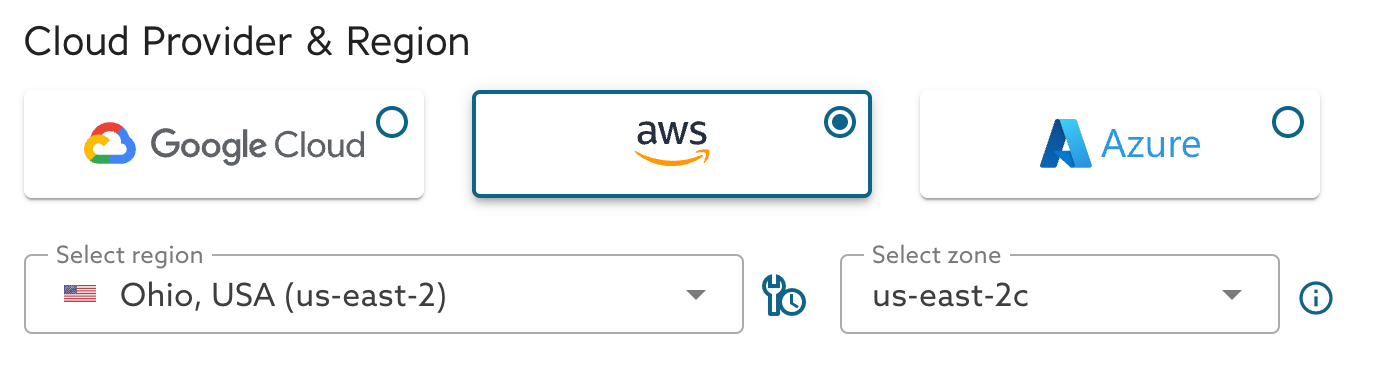
3. Choose the desired Cloud Provider:&#x20;
   * AWS
   * Google Cloud
   * Azure
4. Choose the desired [Region](https://apidocs.skysql.com/#/Offering/get_provisioning_v1_regions).
   * Each region has a scheduled maintenance window.
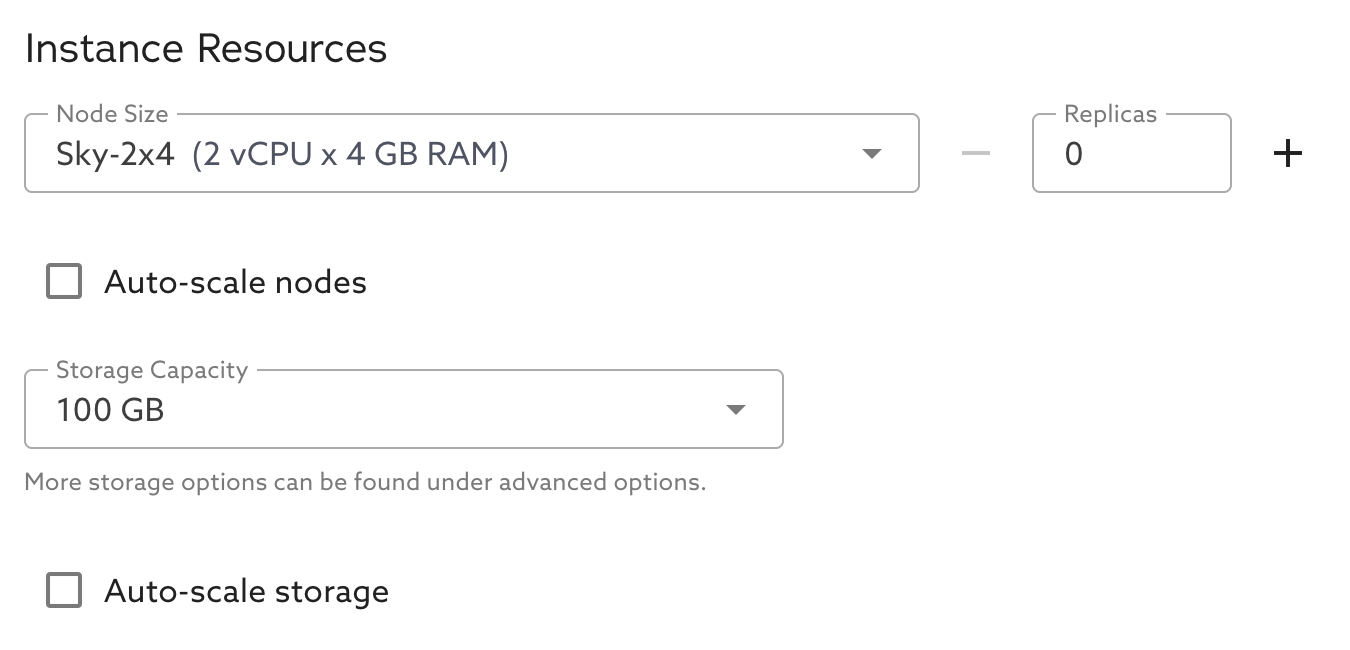
5. Choose the desired [Instance Size](https://apidocs.skysql.com/#/Offering/get_provisioning_v1_sizes).
   * If your workload requires a larger instance size, contact us regarding [Power Tier](https://github.com/mariadb-corporation/mariadb-docs/blob/main/Billing%20and%20Power%20Tier/README.md).
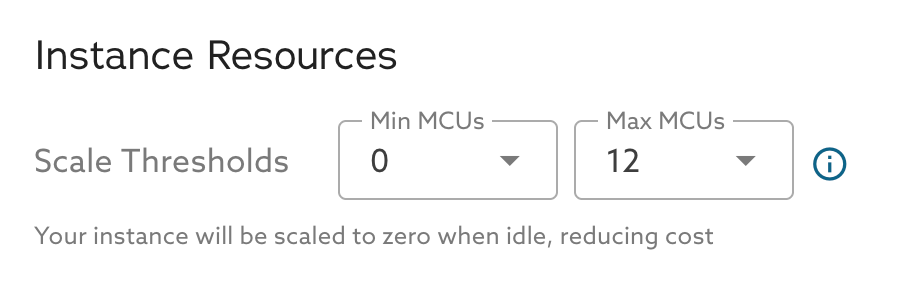
6. If needed, enable [Auto-Scaling of Nodes](https://github.com/mariadb-corporation/mariadb-docs/blob/main/Autonomously%20scale%20Compute,%20Storage/README.md).
7. Choose the desired [Storage Configuration](https://apidocs.skysql.com/#/Offering/get_provisioning_v1_topologies__topology_name__storage_sizes).
8. If needed, enable [Auto-Scaling of Storage](https://github.com/mariadb-corporation/mariadb-docs/blob/main/Autonomously%20scale%20Compute,%20Storage/README.md).
9. Choose the number of nodes to deploy.
10. Choose the desired [Server Version](https://apidocs.skysql.com/#/Offering/get_provisioning_v1_versions).
11. Enter the desired Service Name (Up to 24 characters).
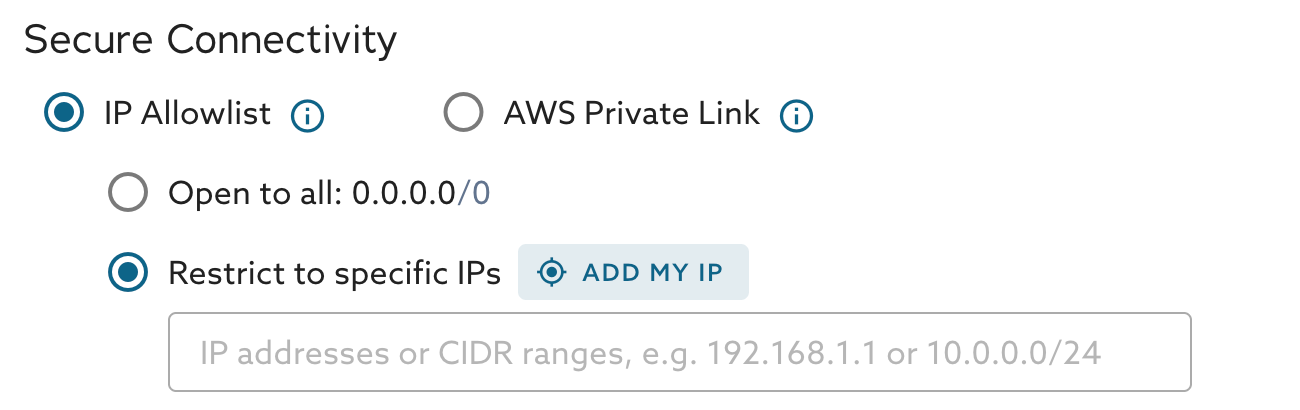
12. Configure Primary Endpoint security.
    * Select how the service should accept connections.
13. Enable topology-specific features, if desired:
    * Disable SSL/TLS
    * NoSQL Interface

After initiating the launch, the new service will appear on the [Portal](https://app.skysql.com/dashboard) Dashboard.

A [notification](/docs/mariadb-cloud/cloud-usage/notifications.md) will be sent at the time-of-service launch initiation and when service launch completes.


---

# Agent Instructions: Querying This Documentation

If you need additional information that is not directly available in this page, you can query the documentation dynamically by asking a question.

Perform an HTTP GET request on the current page URL with the `ask` query parameter:

```
GET https://mariadb.com/docs/mariadb-cloud/cloud-usage/launch-page.md?ask=<question>
```

The question should be specific, self-contained, and written in natural language.
The response will contain a direct answer to the question and relevant excerpts and sources from the documentation.

Use this mechanism when the answer is not explicitly present in the current page, you need clarification or additional context, or you want to retrieve related documentation sections.